
Take the tour
SyncBooks area by area, as you will see it: Home, orders, inventory, purchasing, invoices, banking, reports, payroll and the synchronizations that feed them.
Home
Home: what needs you today
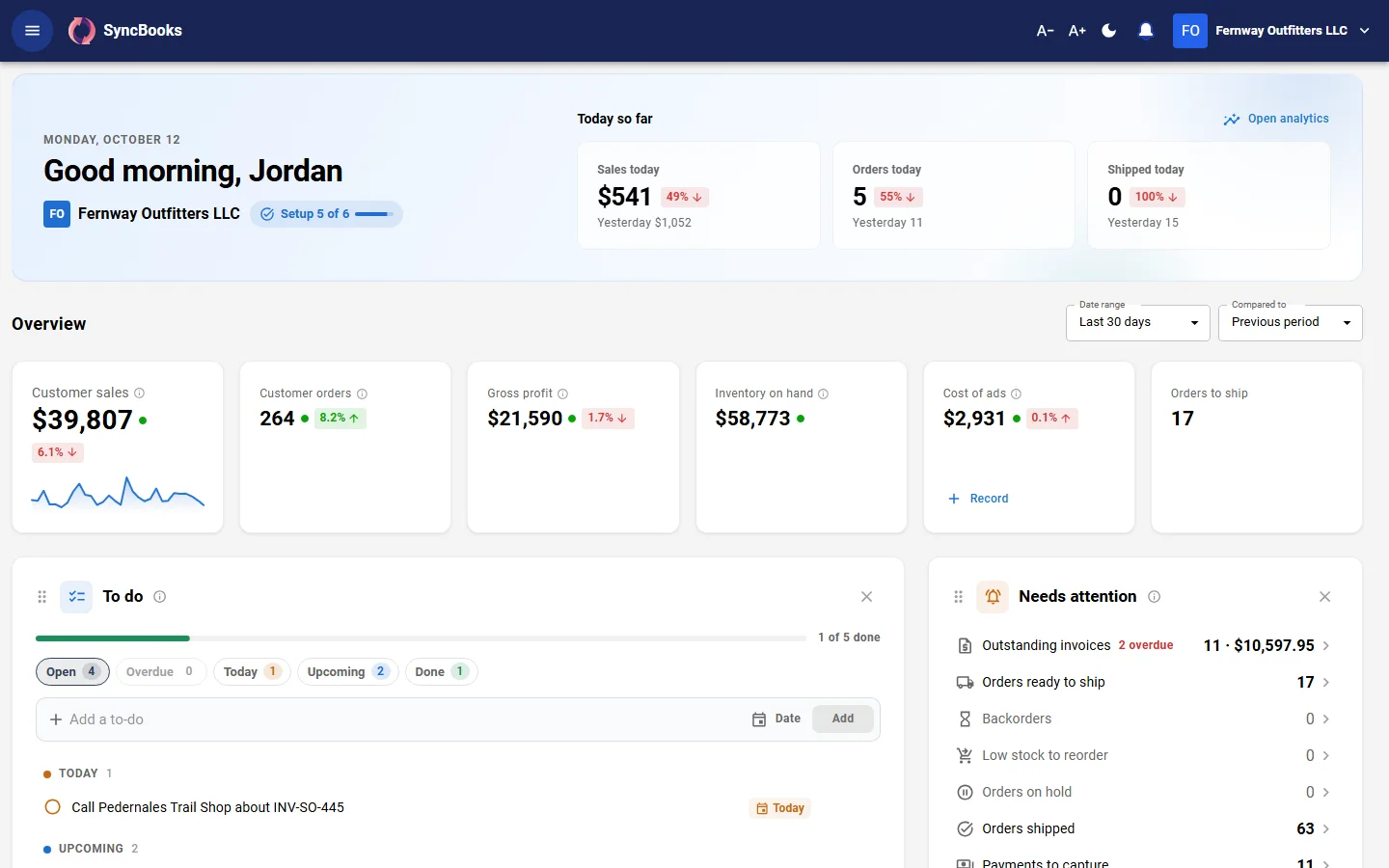
Sign in and Home shows today's sales against yesterday, the figures for the period, your To Do list, what needs attention and what is left to set up. Put the tiles in your own order, or dismiss the ones you do not need.
- To Dos your workflow rules add, such as a bill to approve or stock at its reorder point
- With several companies, one Home board for all of them, in the reporting currency you choose
Orders
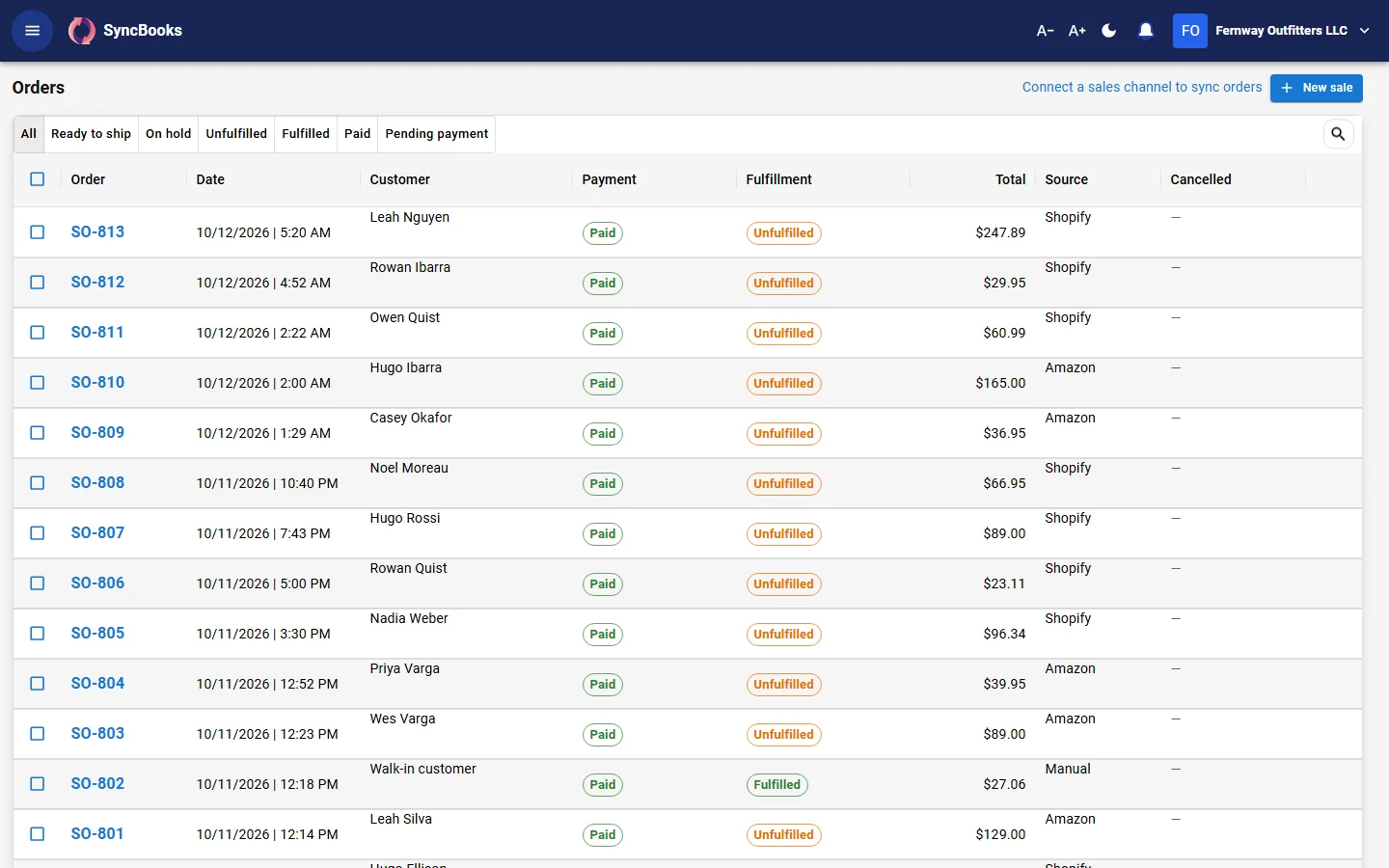
Every order in one list
Orders entered by hand, from Shopify and from the marketplaces sit in one list. Sales figures use Shopify's definitions, so they match the Shopify admin.
- Sales quotes and estimates
- Customers with their own price lists and credit limits
- Returns, credit notes and refunds
Products and inventory
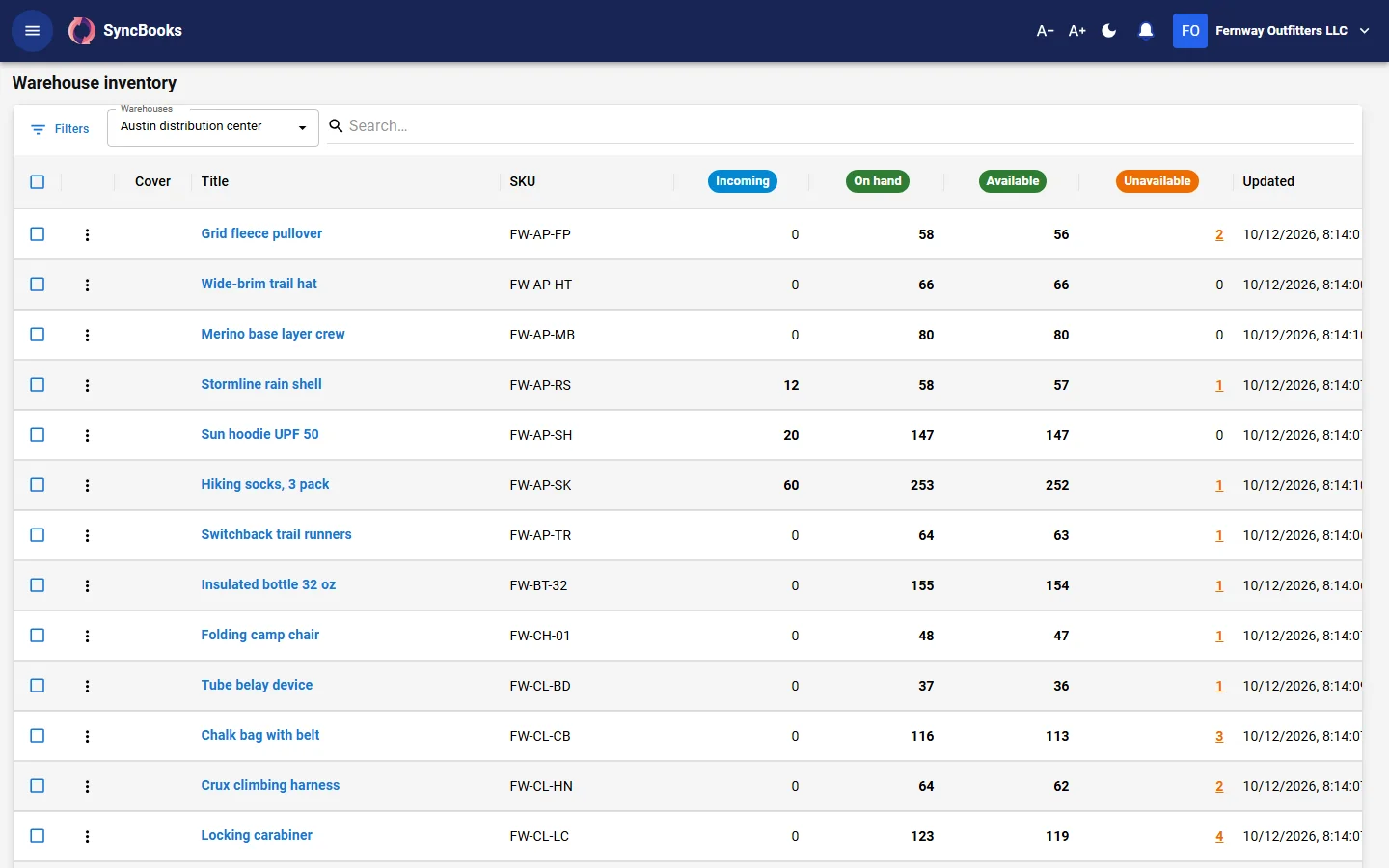
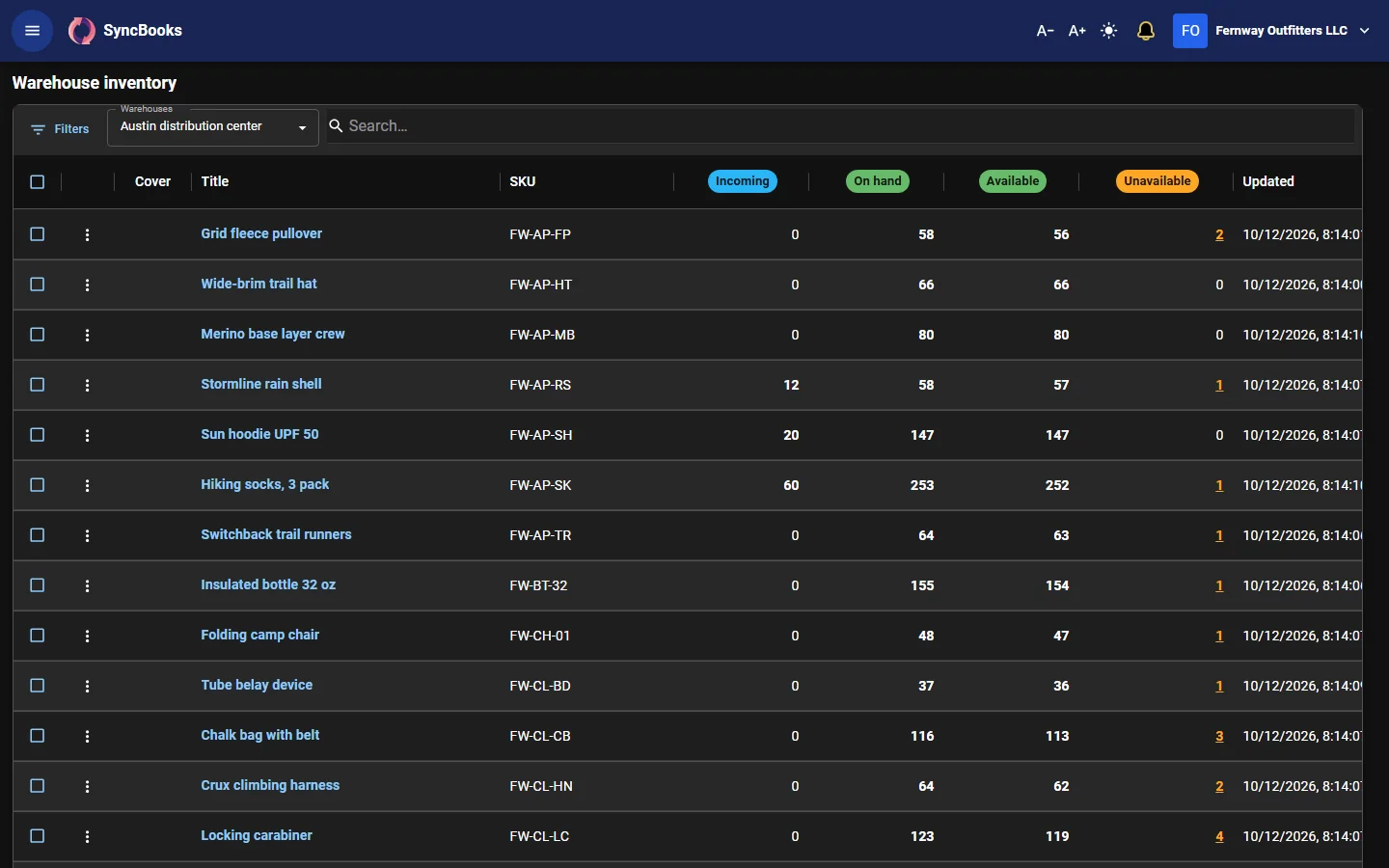
Stock you can find, down to the bin
If you keep stock, know what you have, where it is and when to order more.
- Warehouses, aisles and bins, with transfers and adjustments that keep a history
- Reorder points and low-stock alerts; the reorder list turns into draft purchase orders, one per supplier
- Kits and bundles, serial numbers, and lots with expiry dates
- Barcode screens for receiving, counting and moving stock
Purchasing
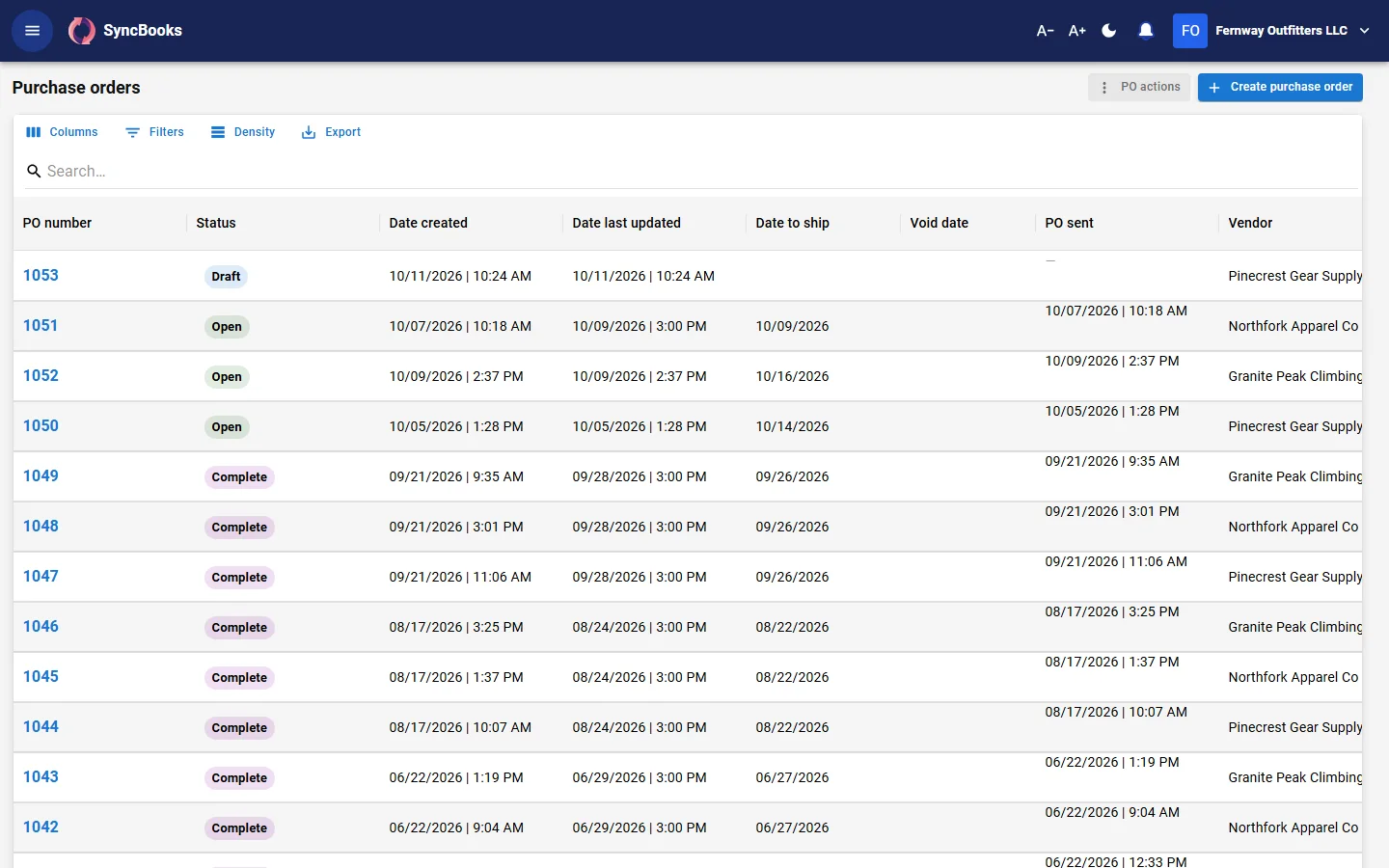
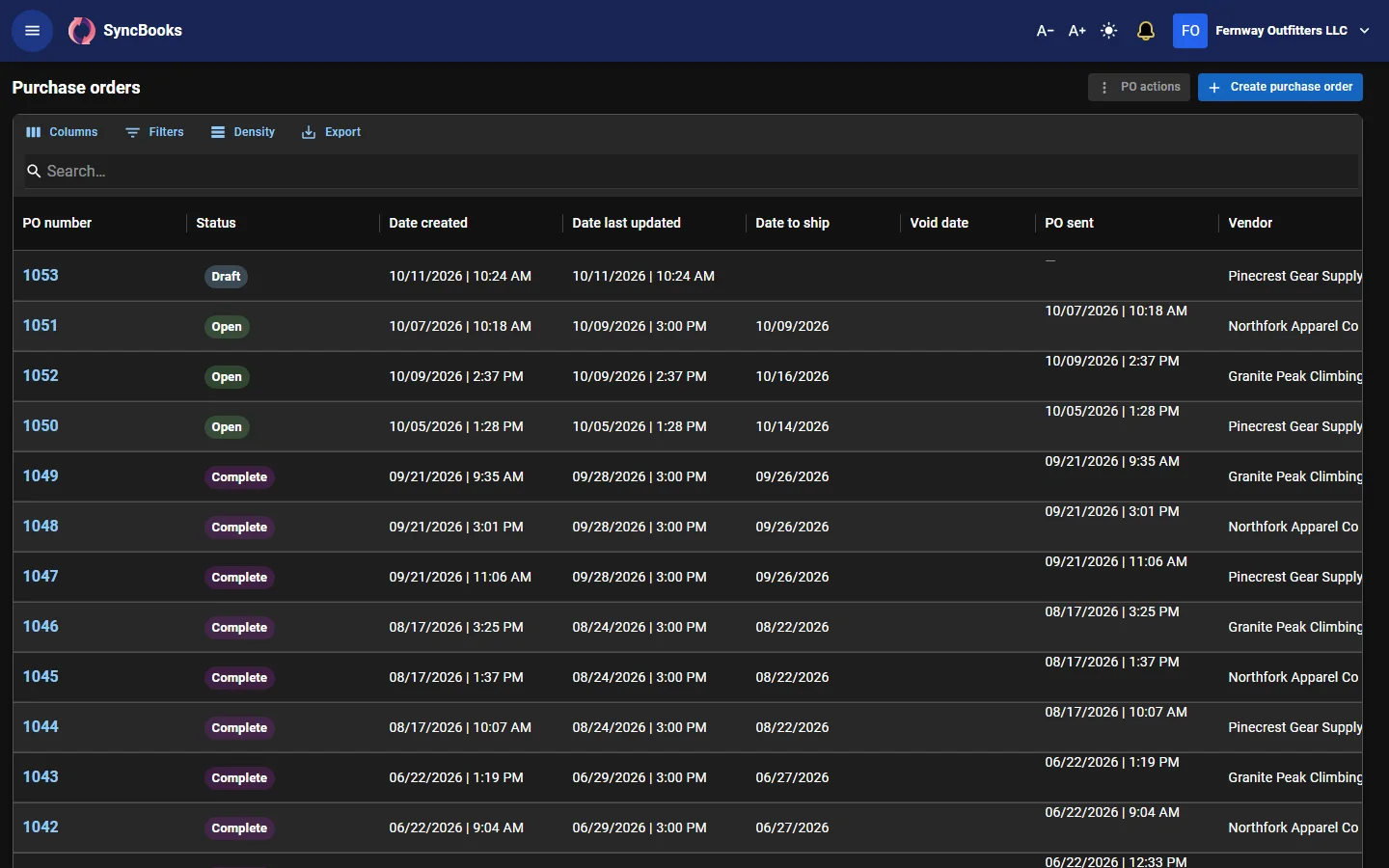
From purchase order to paid bill
Purchase orders, receiving and bills, with your suppliers in the loop.
- Purchase orders emailed to suppliers, and receiving into bins
- Bills matched to what was received, with approval rules
- Payment runs that pay several bills at once, with remittance advice
- A supplier portal where suppliers confirm orders and send their invoices
Invoices and payments
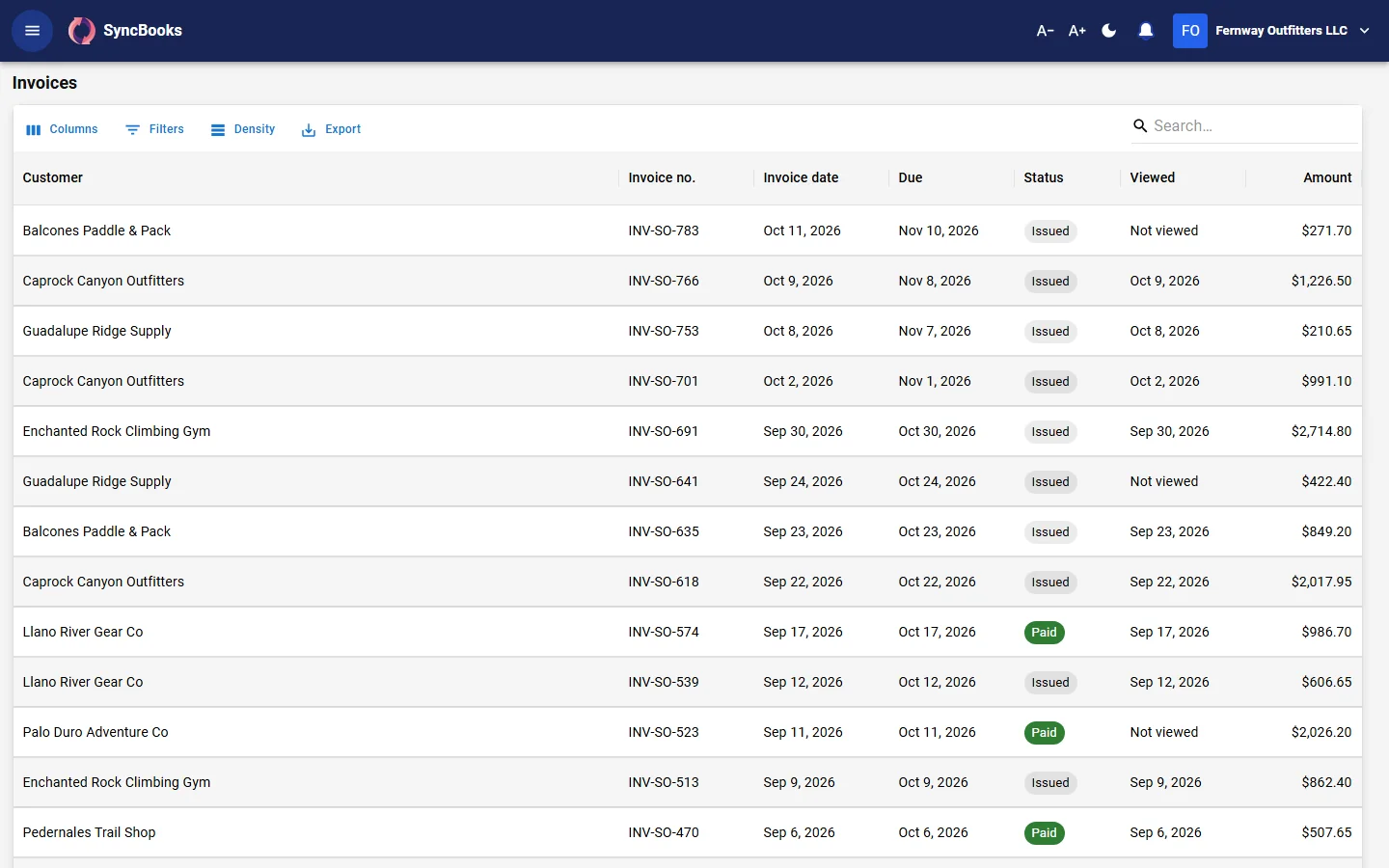
Invoices that get paid
Quotes and invoices with your company's branding, and a pay link on every invoice so customers can pay by card through your own Stripe account.
- Recurring invoices on a schedule
- Payment reminders before, on and after the due date, and late fees
- Deposits with their own pay link
- A customer portal where customers see their invoices and pay several at once
Banking
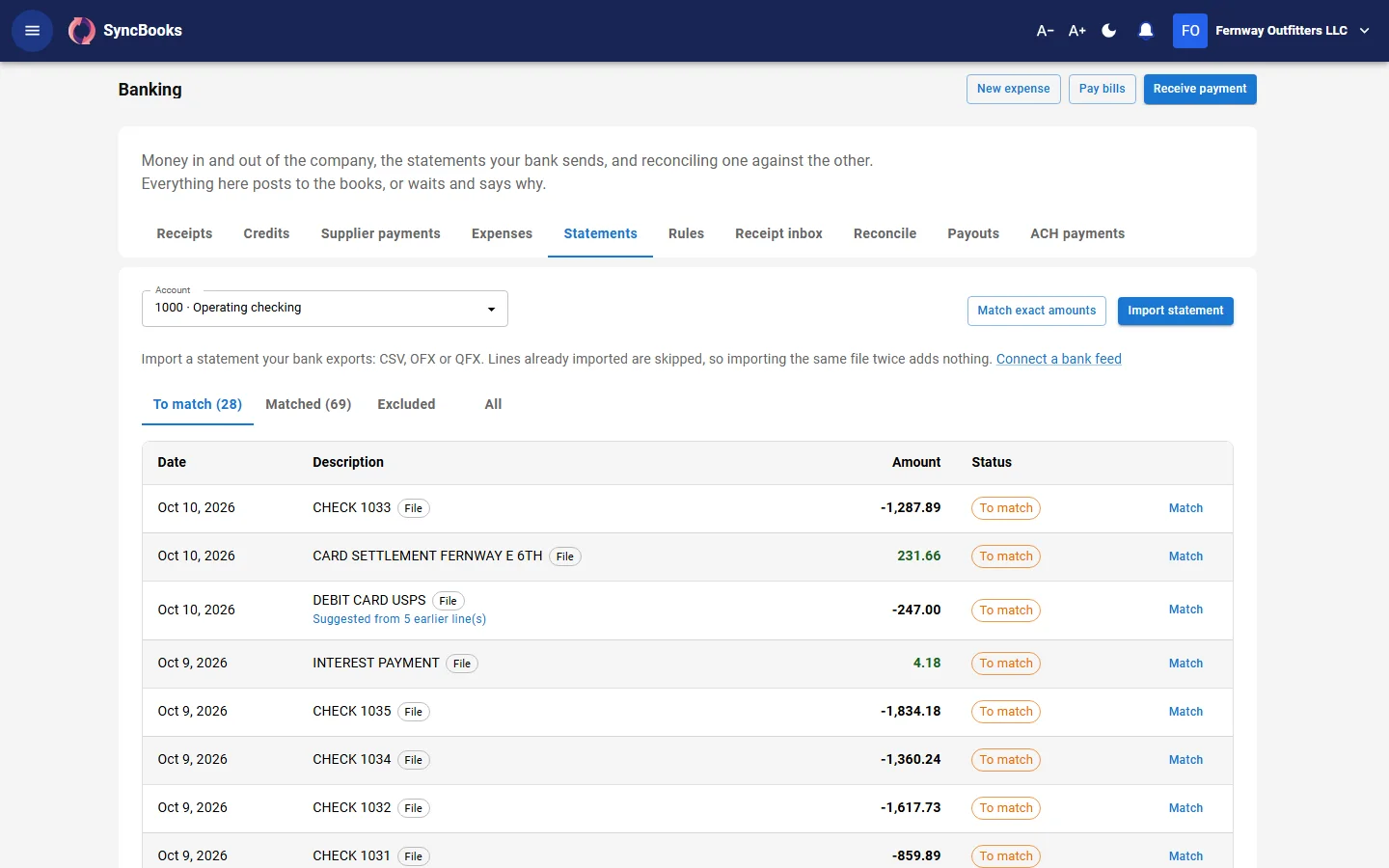
Bank lines, matched and reconciled
Import statements from any bank (CSV, OFX, QFX); daily bank feeds from US and Canadian banks through Plaid are opening soon.
- Rules and suggestions from past lines of the same payee
- Record an unmatched line as an expense, deposit, customer payment or transfer
- Reconciliation
- A receipt inbox that reads PDF receipts and matches them to the bank line
Reports and analytics
Numbers you can trust as final
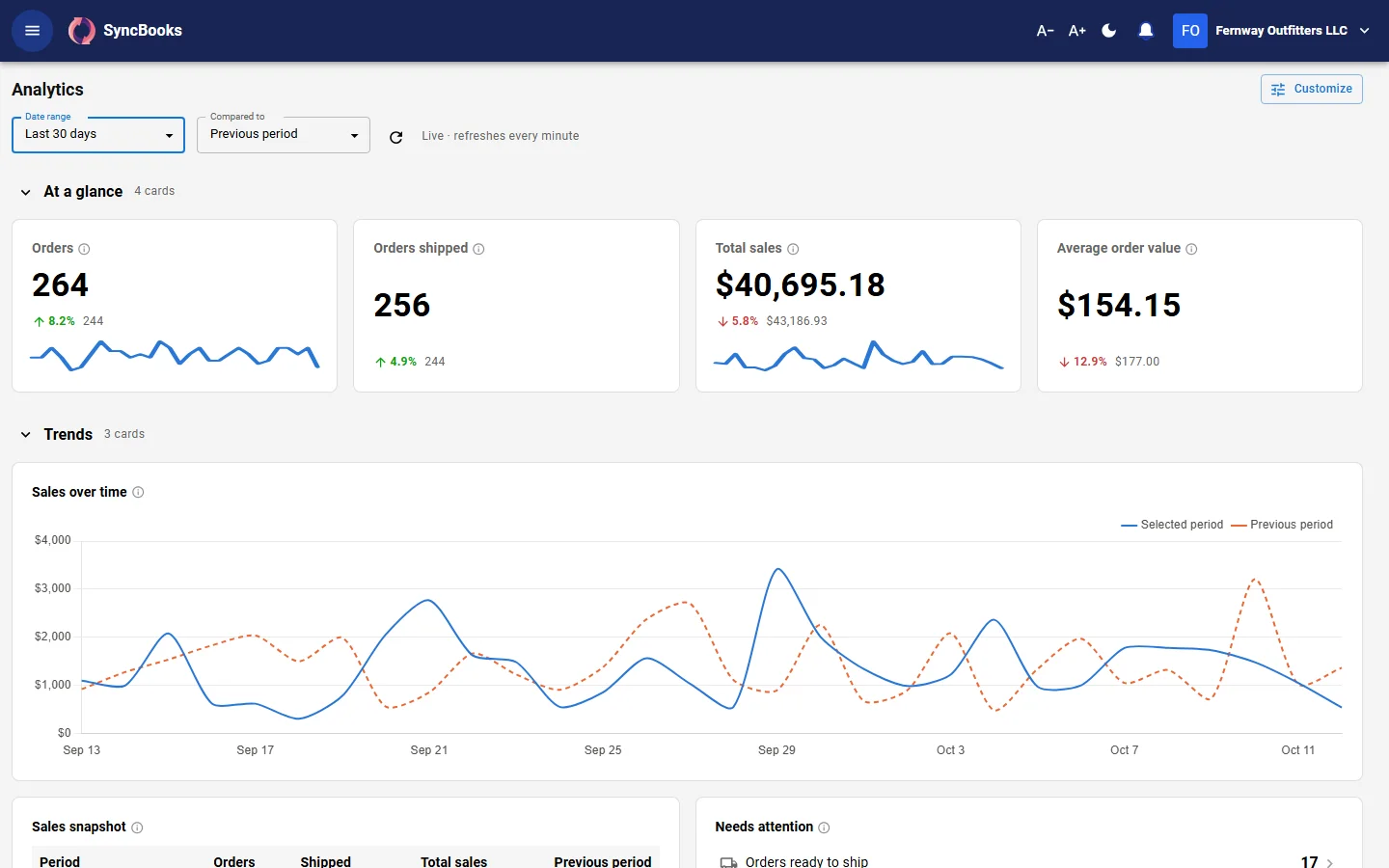
Analytics compares any date range with the period before, in metric cards you arrange in your own sections. With ad spend synced, it shows profit after ads.
- Profit and loss, balance sheet, cash flow, trial balance and general ledger
- A/R and A/P ageing, statements, 1099 and inventory valuation
- Custom reports you build and share with your workspace
- Every report downloads as CSV or PDF, and says if anything is still waiting to post
Payroll
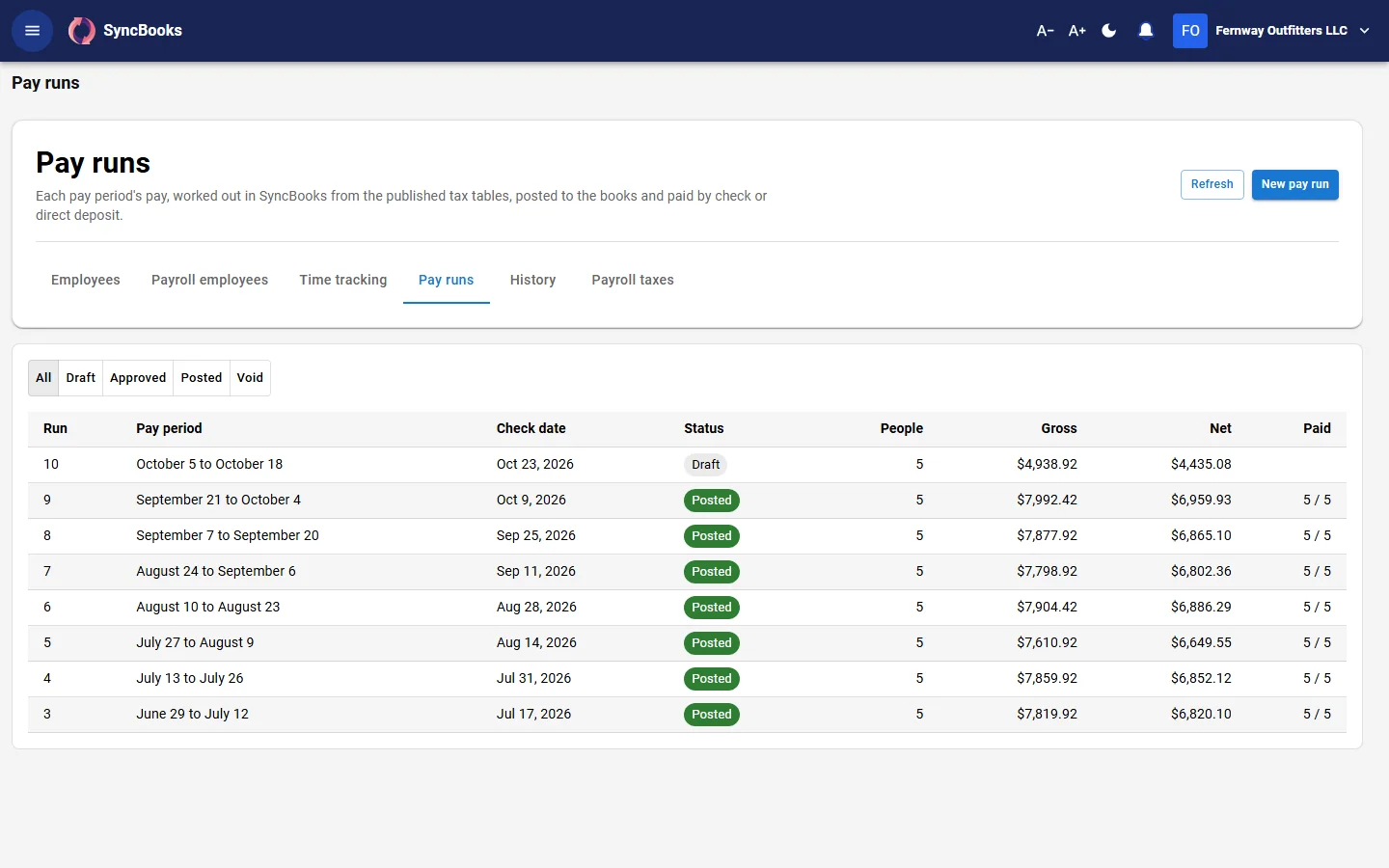
Pay runs posted to your books
Run payroll, work out payroll taxes and post every pay run to the books.
- Federal and state withholding from the published tables, with the source of every figure
- Time tracking, pay runs and their history
- Pay stubs with the year to date
- W-2, 941 and 940 figures, and each state quarter
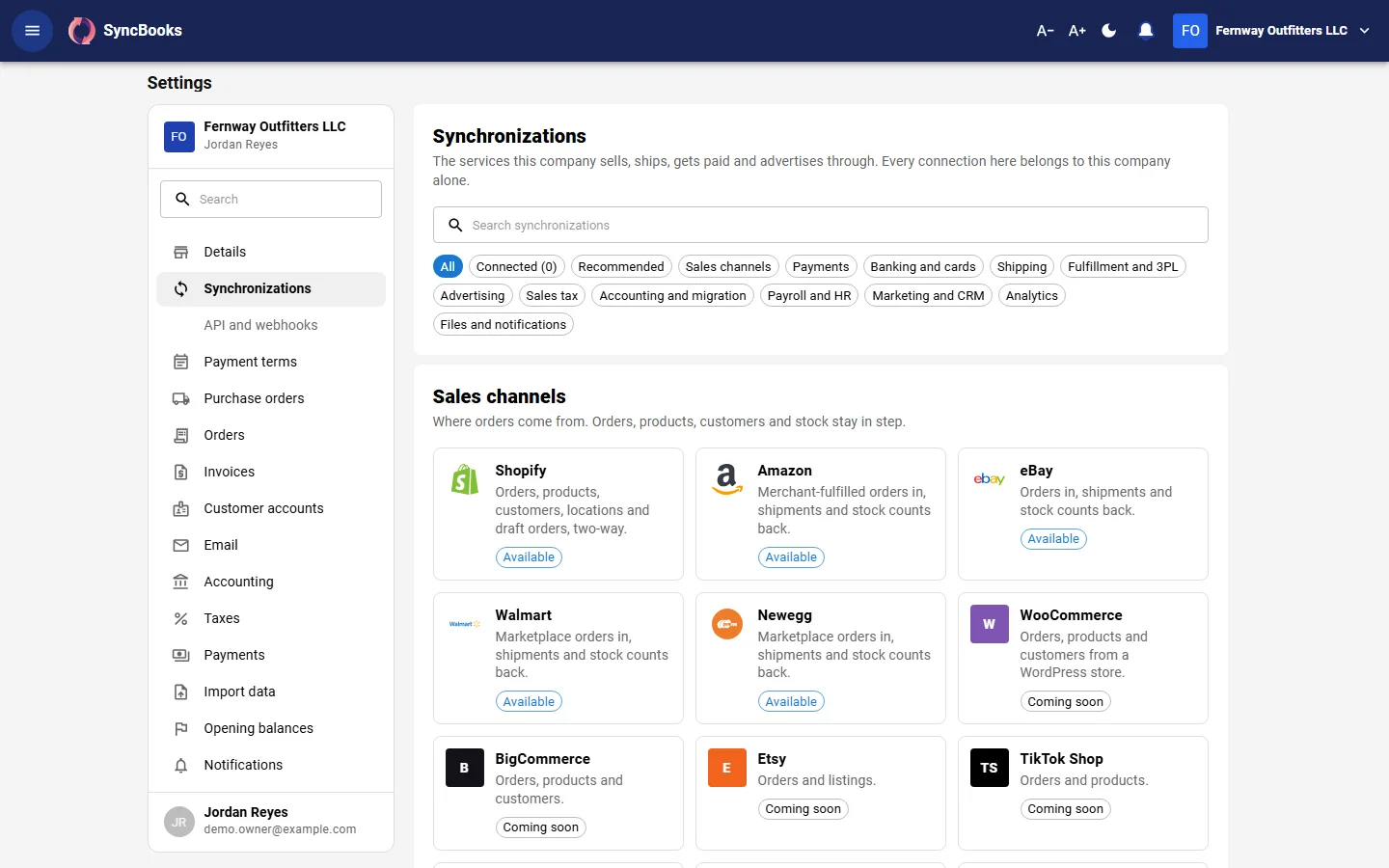
Synchronizations
Every connection in one catalog
Connect your sales channels, payments, bank, shipping and advertising from one catalog in Settings, and see the state of each connection.
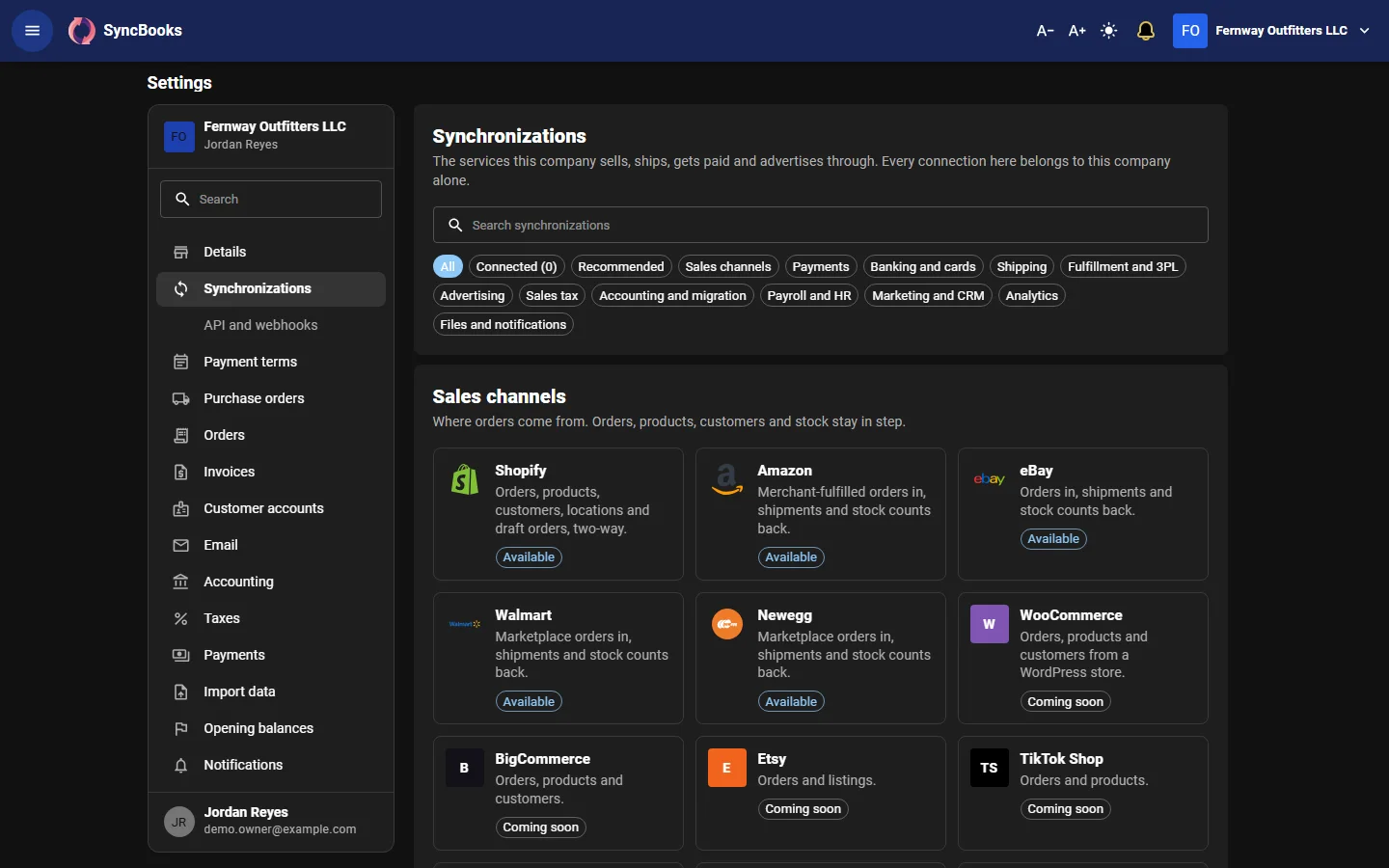
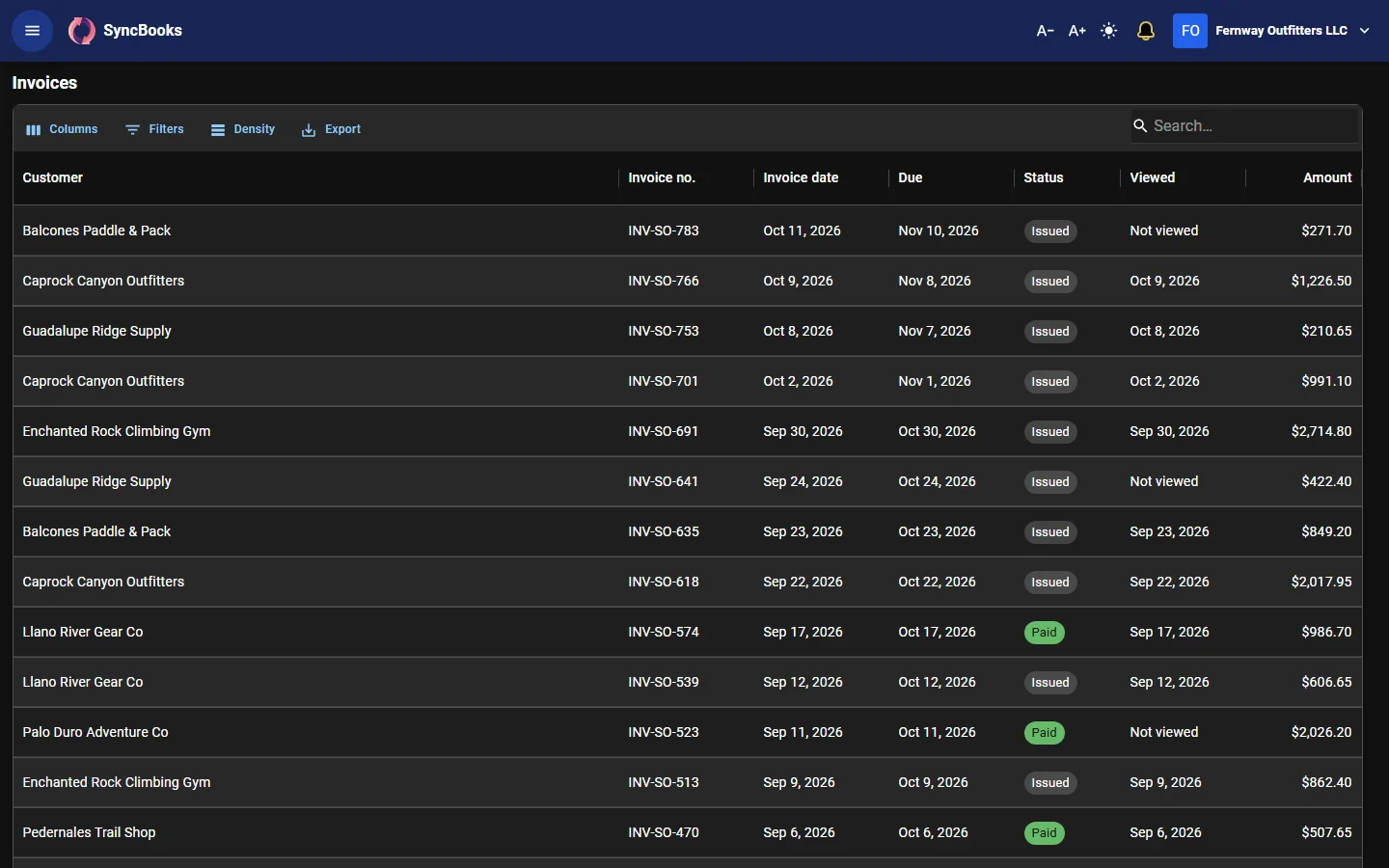
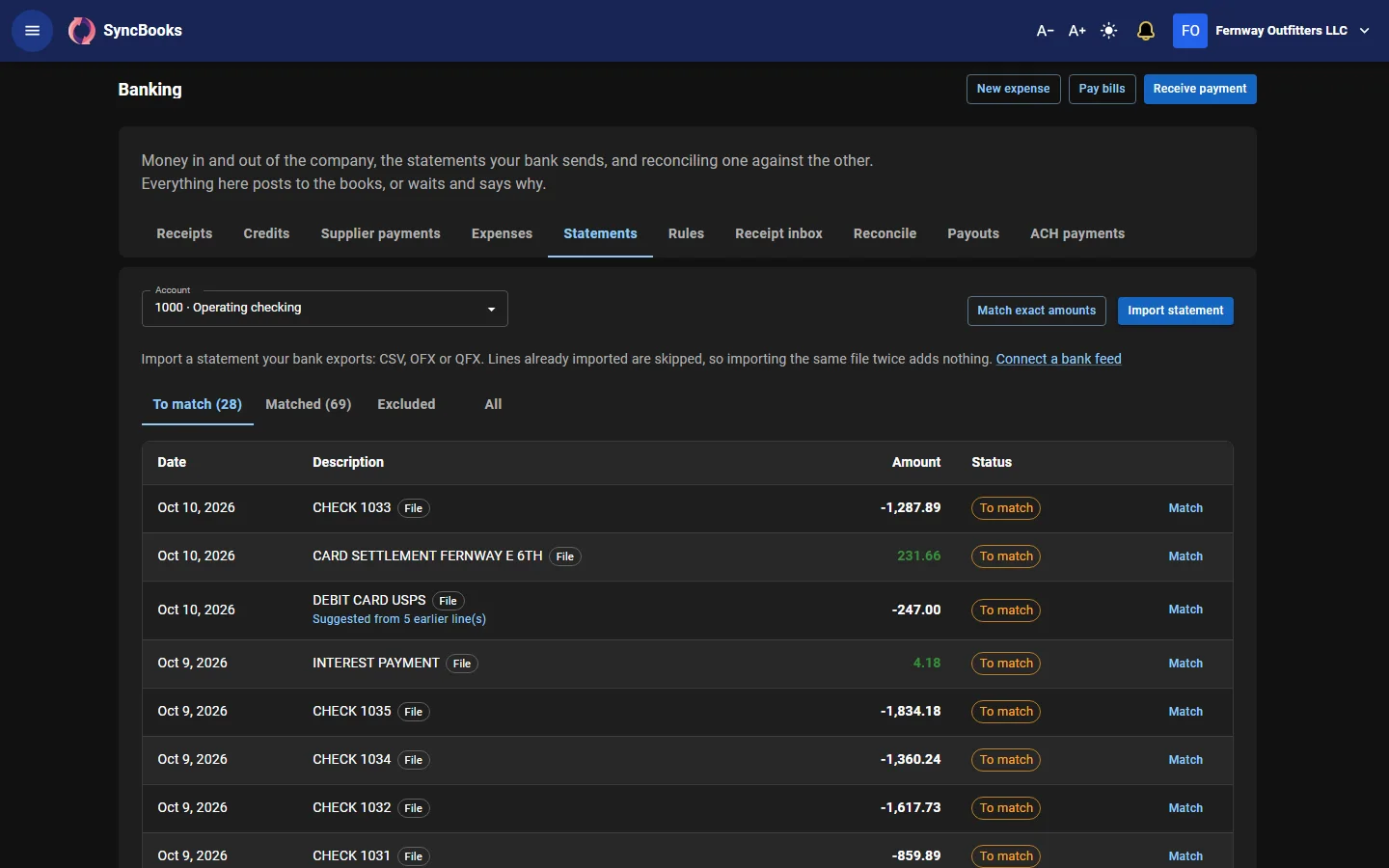
Light or dark
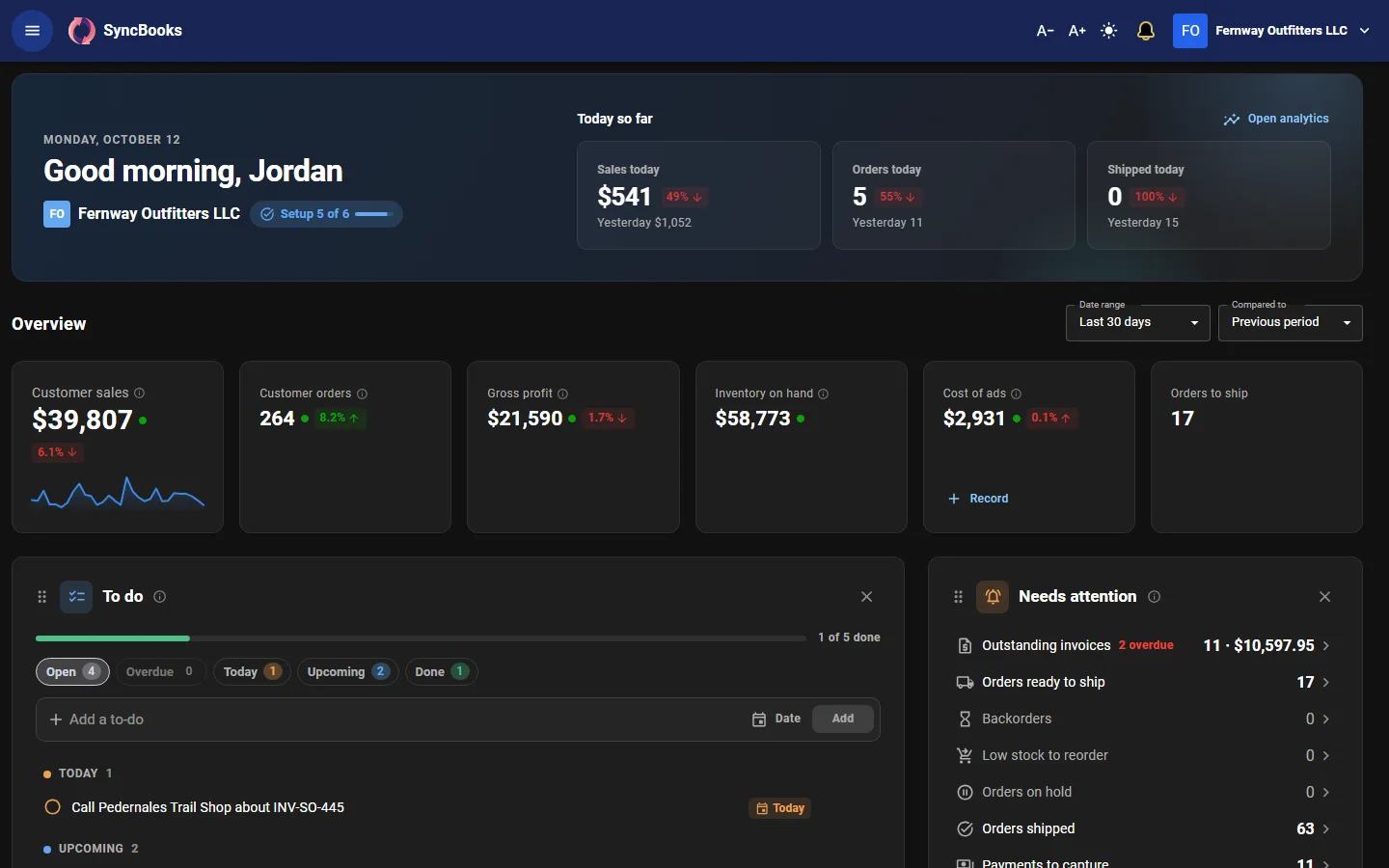
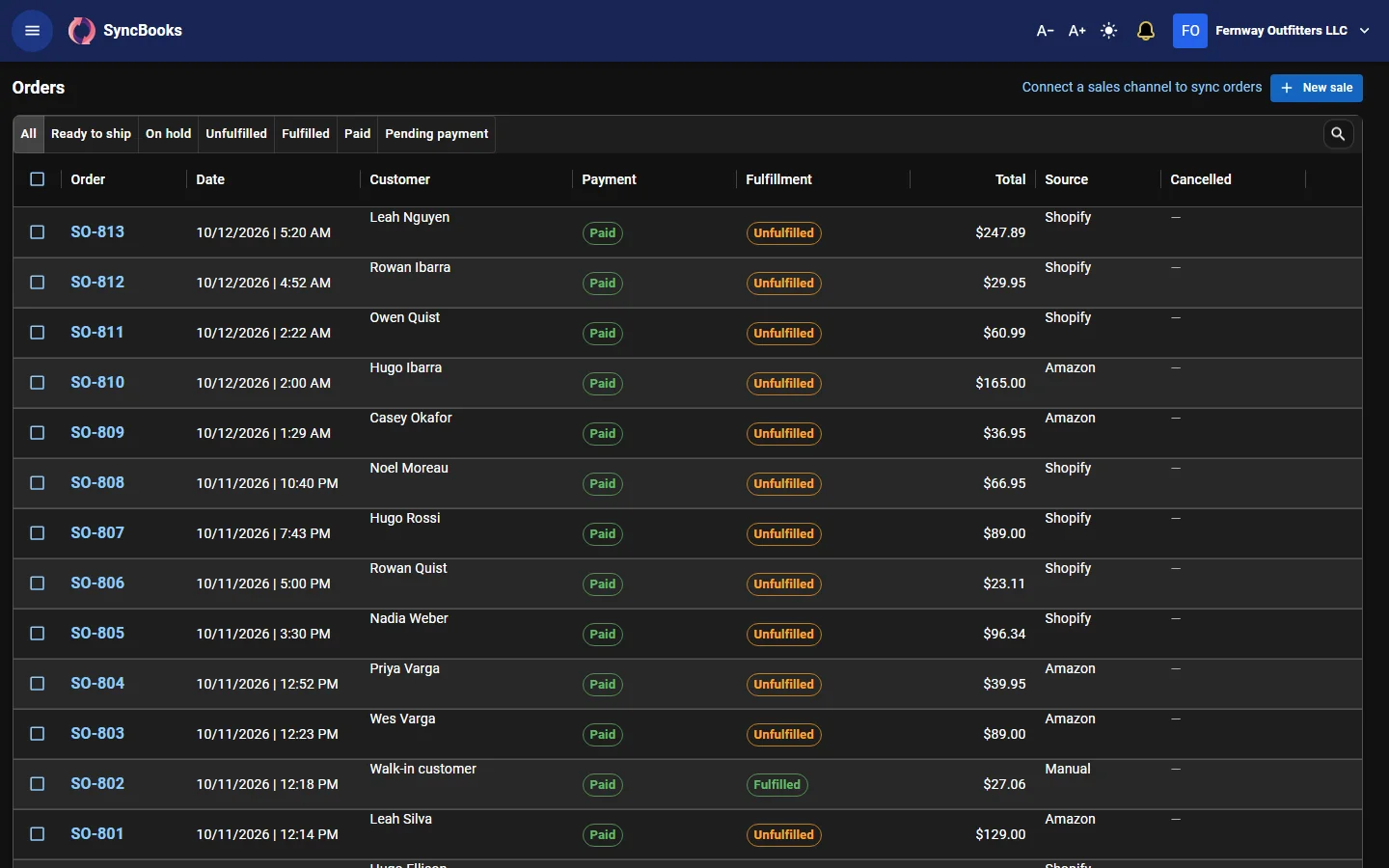
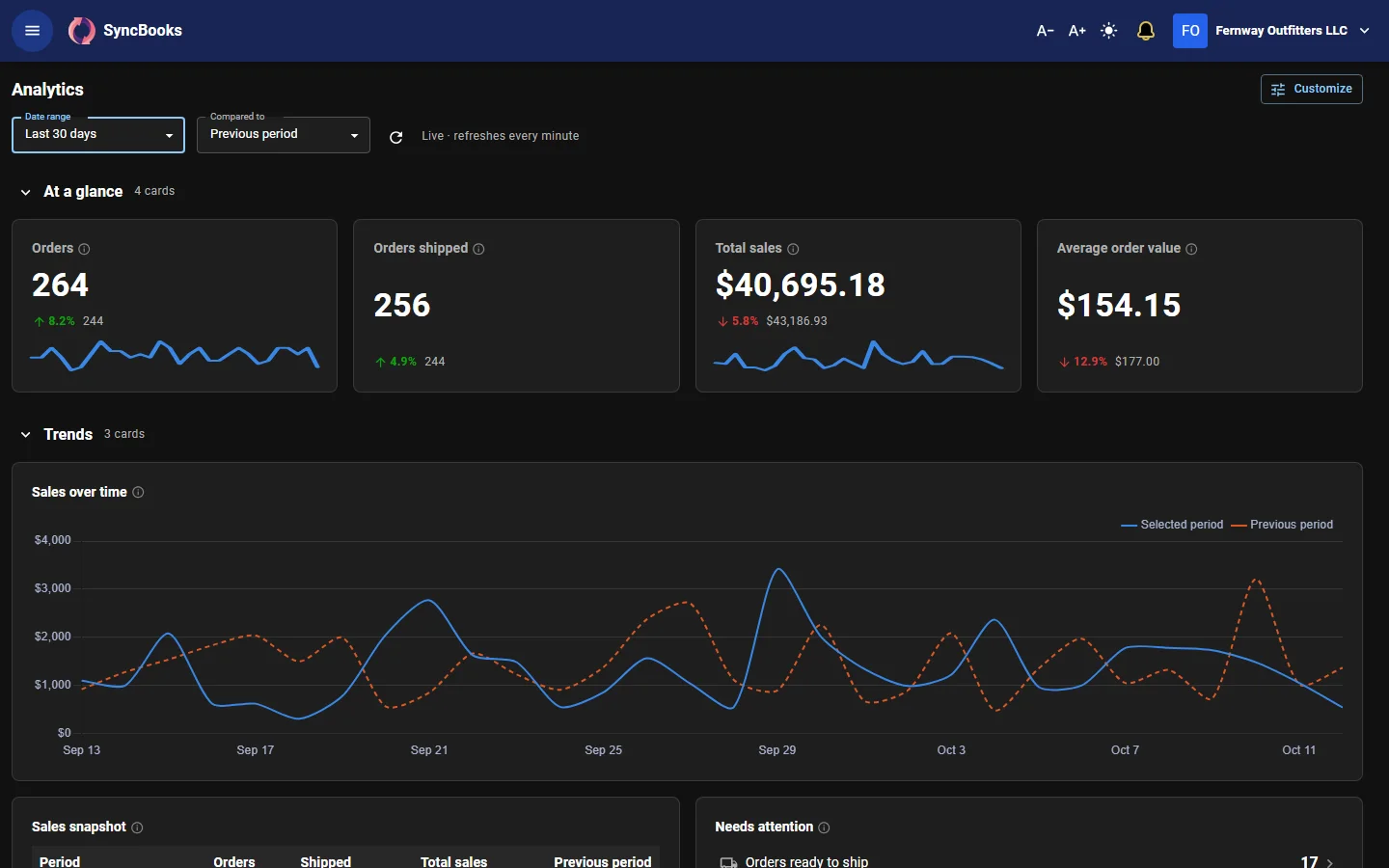
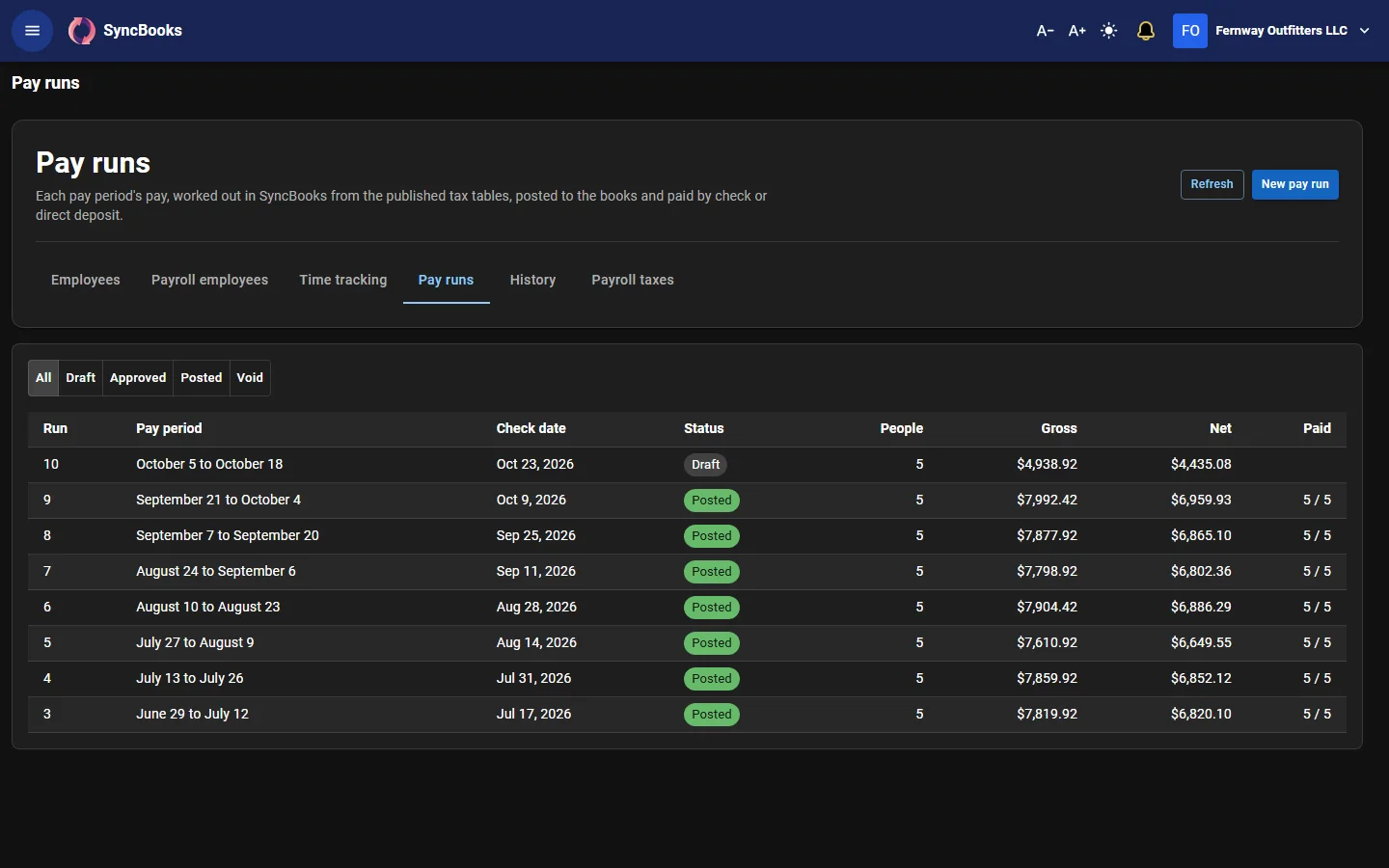
Work in the light theme or the dark one, and set the text size you read best.