
Several companies. One workspace.
Each company keeps its own books. You keep one login, one company menu and one view of everything.
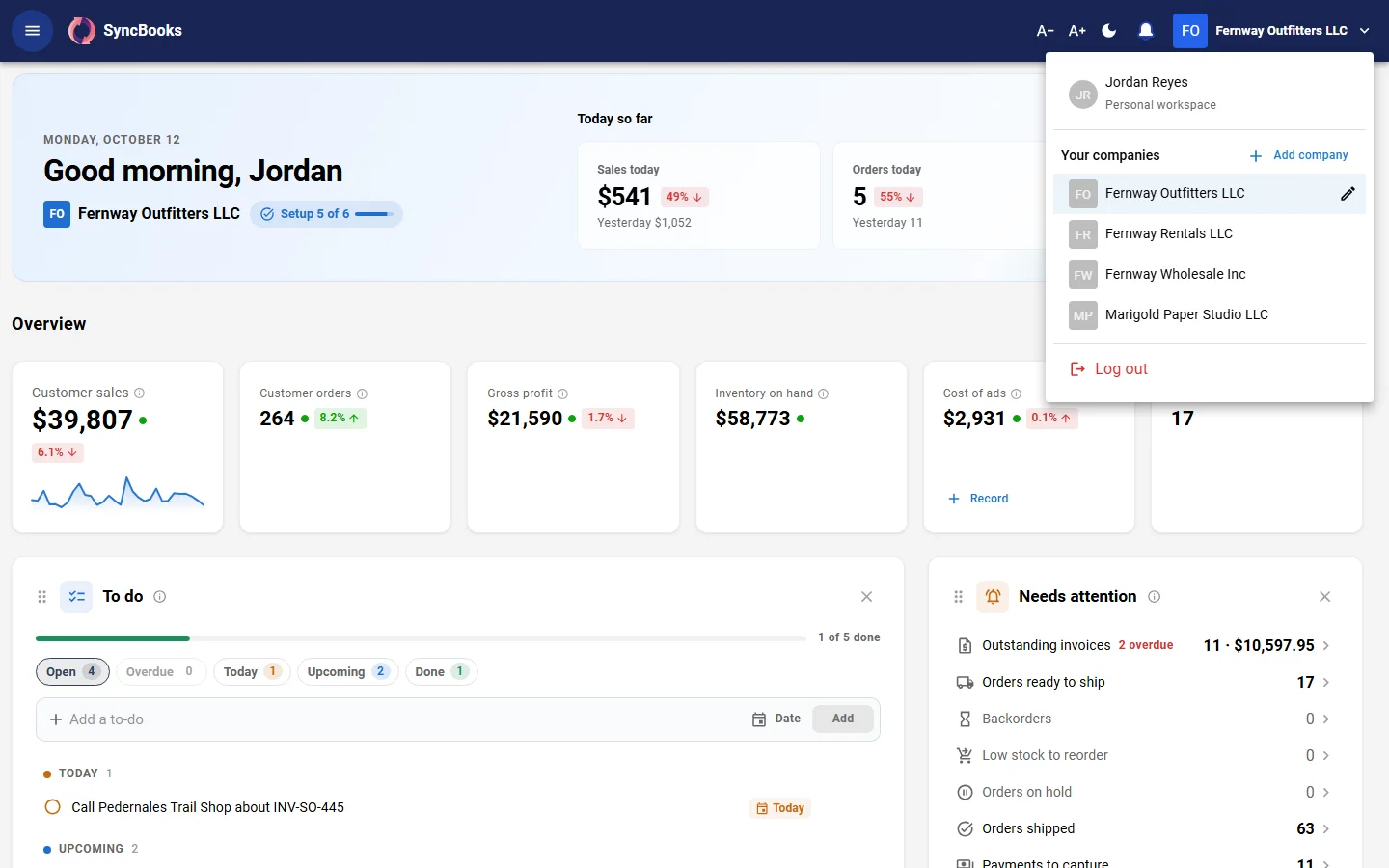
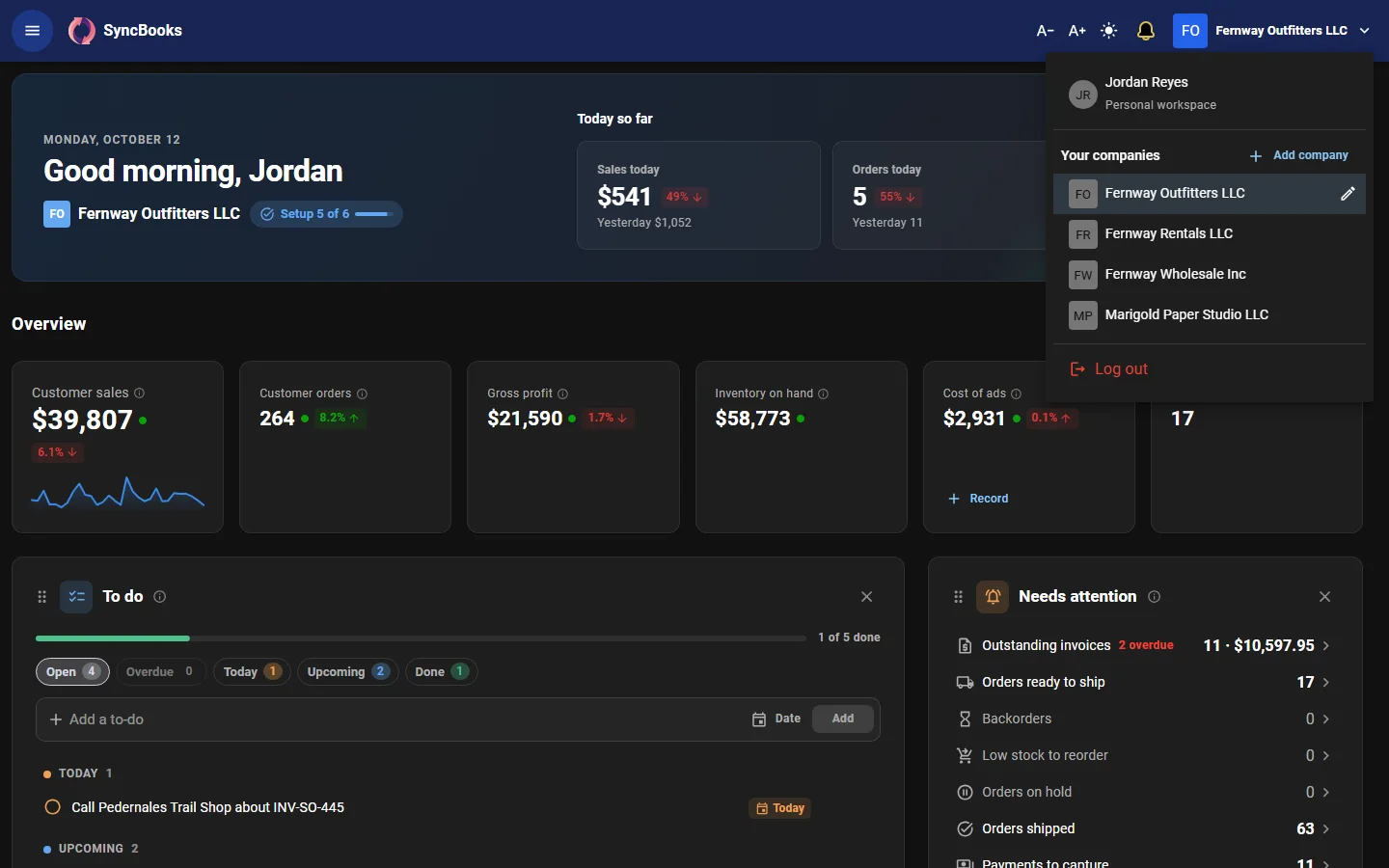
One workspace, separate books
Your workspace holds your companies and your team. Each company has its own chart of accounts, settings, logo, customers and suppliers. Add a company and switch to it from the top-right menu.
- Company groups. Group related companies, for example a family of brands.
- Your own row. Pick yourself in the company menu and Home shows all your companies on one board.
- Reporting currency. Choose the currency Home and the group report total in. Companies that keep their books in another currency are translated at the period end's rate.
A Home board across every company
Key numbers totalled across all your companies, with date ranges and comparison periods. Each person arranges their own cards and sections.
Shared inventory
One catalog of physical items is shared across the workspace. Each company sells its own listings, with its own names, prices and SKUs, mapped to those shared items.
Stock can belong to one company while it sits in another company's bin. Inventory screens show what is on hand where, including stock held for other companies.
Intercompany supply
One company can sell stock that another company supplies. SyncBooks records the internal sale on both sides, in the supplier's books and in the seller's.
- Intercompany policies. Each supplier and seller pair follows terms you confirm: pricing, and when ownership moves.
- Settlements. Record payments between related companies to clear internal balances.
- Intercompany report. The balance between each pair of related companies.
Group reporting
The group report combines a company group's figures and eliminates intercompany balances. It is a management view of the group as a whole.
People and access
Invite team members by email with a role and the companies they may see. Roles are built from view and edit permissions per area: Owner, Admin, Accountant, Viewer, or your own.
Your accountant joins as a collaborator, free, without using a seat. An accountant sees every company they serve in one Clients list.
Which plan?
Every plan has every multi-company feature. Entrepreneur holds up to five companies, Mogul up to 25, and Enterprise has no limit.