
Inventory, down to the bin
Know what you have, where it is, what it cost and which company owns it. Every movement posts to the books.
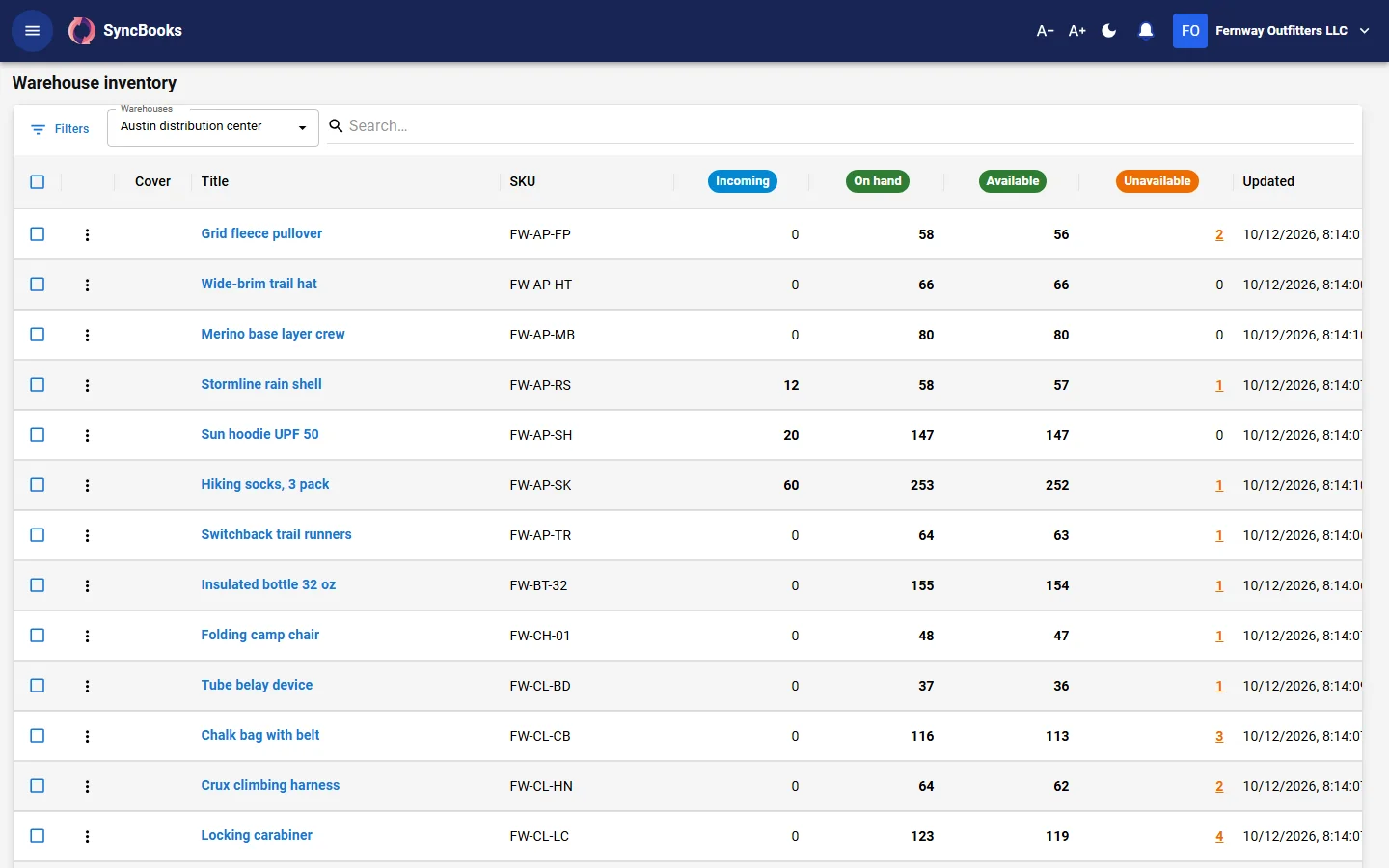
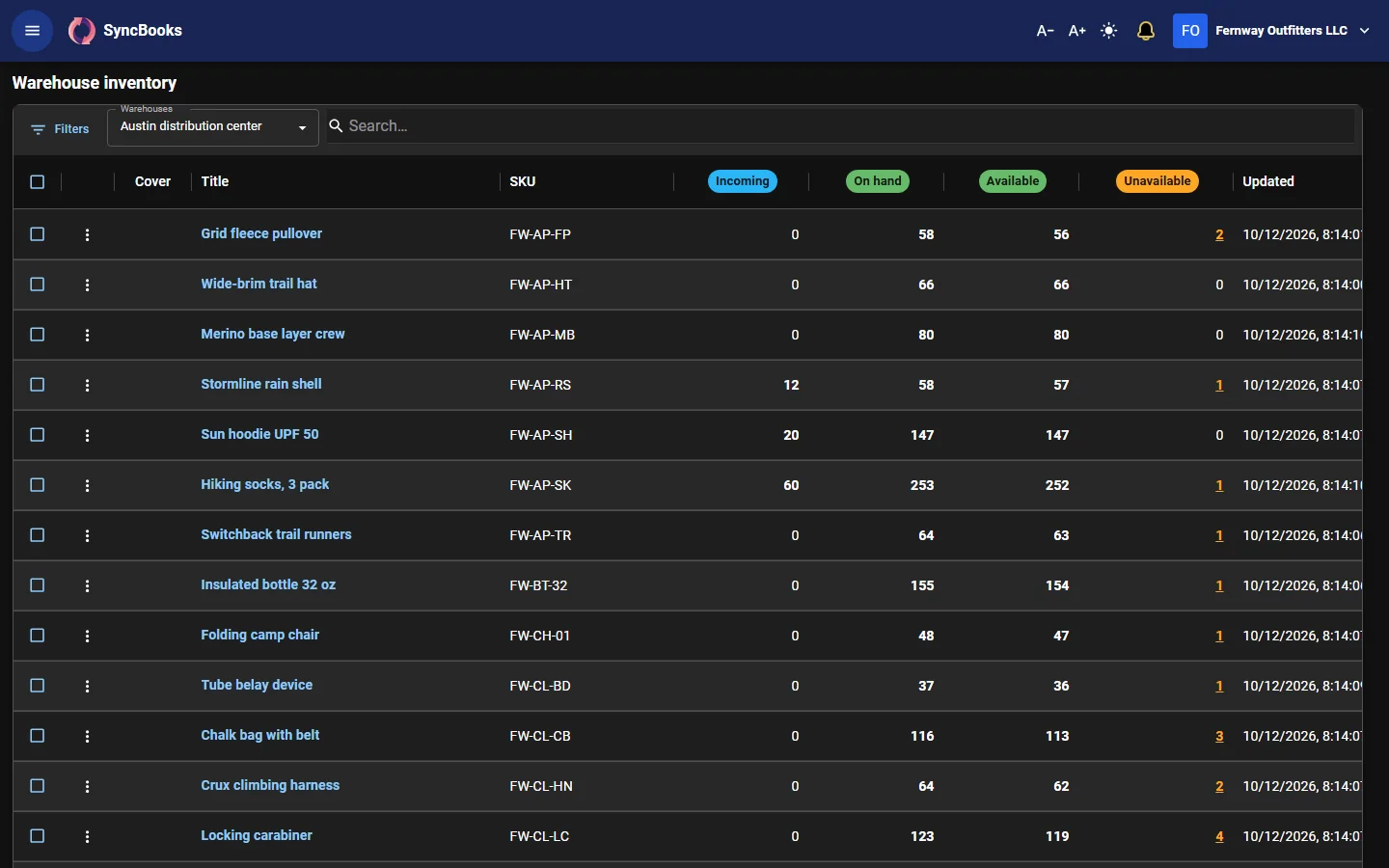
Products and a shared catalog
Each company has its own products and variants, with its own names, prices and SKUs. Underneath, physical items are shared across the workspace, and each listing maps to an item with the number of units it holds. Keep a list of manufacturers too.
Warehouses, aisles and bins
Set up each warehouse down to the bin. See what is on hand by warehouse, bin and item, including stock you hold for another of your companies.
Transfers and adjustments
Move stock between warehouses or bins, with shipping and receiving of the transfer. Correct quantities with an adjustment, lot by lot if needed. Every change keeps its history.
Reorder points
Set a reorder point and quantity per item, for one location or everywhere, with the preferred supplier. When available stock reaches it, you get an alert in notifications and on Home. The reorder list turns the lines you choose into draft purchase orders, one per supplier, for you to check and send.
Kits and bundles
Sell a listing made of several items. Selling it holds and ships each item, and a kit is only as available as its scarcest item.
Serial numbers
Receive, ship and return stock under its serial number. Look up any serial to see where it is and who bought it.
Lots and expiry dates
Track lots and expiry dates, adjust lot by lot, and cost by specific lot. Lots, expiry dates and serial numbers are an add-on, charged only for the companies that use them.
Barcode scanning
Receive, count and move stock with a USB or Bluetooth scanner. Each scan finds the line by barcode, SKU or serial number.
Purchasing and receiving
Create purchase orders and email them to suppliers. Receive against a purchase order, or without one, into bins. Match the supplier's bill to what was received. Approval rules can hold a purchase order until someone signs off.
Suppliers can use the supplier portal to confirm your purchase orders with the date they expect to ship, download them as PDFs and send their invoices.
Costing
Choose FIFO, specific lot or moving average cost. Changing the method once stock is in the books asks for the reason and records it.
Landed cost: spread freight, duty or a broker's fee from a bill over a receipt by value, quantity or weight, into the cost of the stock.
Inventory in the books
Each shipment posts its cost of goods sold to the journal on its own, and supplier bills post to accounts payable. The inventory valuation report shows stock at cost against the inventory account.
Orders from your channels
SyncBooks is built to bring orders from Shopify and the marketplaces into one list with your own orders, and to send shipments and stock counts back to each channel.
Warehouses by plan
Entrepreneur includes 1 warehouse per company (up to 5), Mogul 2 per company and Enterprise 5 per company, with more at a monthly price.