
Accounting and reports
Double-entry books that post themselves from your everyday work, and reports that tell you when they are complete.
Books that post themselves
Invoices, receipts, payments, shipments, bills and expenses post to the journal on their own. Shipments post cost of goods sold. Anything missing a setting waits, with the reason, instead of posting a guess.
- Chart of accounts for each company.
- Journal entries are balanced and cannot be edited after posting; correct them with a reversal.
- Recurring journal entries for accruals and other regular entries.
- Accounting periods you close, so nothing can post into them.
- Audit log of who posted or changed what, and when.
- Accounting policy. Fiscal year, basis, costing method and other choices are yours to confirm. SyncBooks never guesses them.
- Opening balances from your previous system, at a cutover date.
Sales and receivables
- Quotes, estimates and invoices, emailed with your company's branding
- A pay link on every invoice, where the customer can view it and pay by card
- Recurring invoices on a schedule, which you can skip, pause or change
- Payment reminders before, on and after the due date, from your company's mailbox
- Late fees, flat or a percentage, after a grace period
- Deposits with their own pay link, applied to the invoice
- Price lists and credit limits per customer
- Returns, credit notes and refunds
- A customer portal where customers see their invoices and statement and pay several invoices at once
Bills and payables
- Supplier bills, matched to what was received
- Approval rules for purchase orders and bills, above an amount or for a supplier
- Recurring bills for rent and subscriptions
- Supplier credits applied to later bills
- Payment runs: pay several bills at once, one payment per supplier, with remittance advice emailed to each
- W-9 details, with the tax ID stored encrypted and only ever shown masked
Banking
- Statement import (CSV, OFX, QFX) from any bank
- Bank feeds from US and Canadian banks through Plaid, updated daily or when you press Sync now (opening soon)
- Bank rules and suggestions from past lines of the same payee
- Record an unmatched line as an expense, deposit, customer payment or transfer
- Reconciliation
- A receipt inbox that reads PDF receipts for vendor, date, total and tax and matches them to the bank line
- Stripe payouts matched to deposits, with their fees
Multiple currencies
Customers, suppliers, bank accounts and documents in any currency. Each posts at its rate: your own typed rate, or the European Central Bank's reference rate, read daily. Paying at another rate posts the realized exchange gain or loss.
Classes, locations and projects
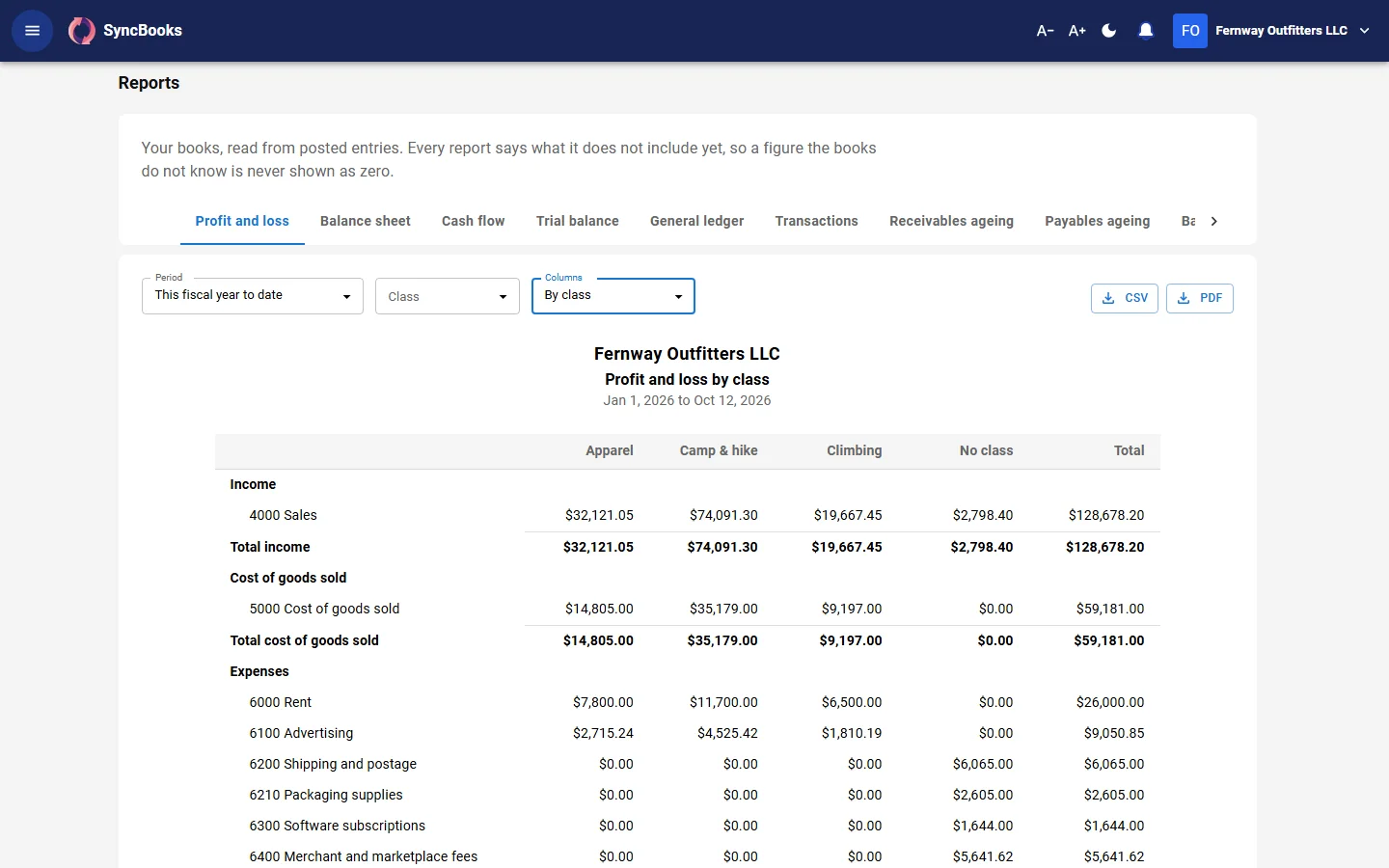
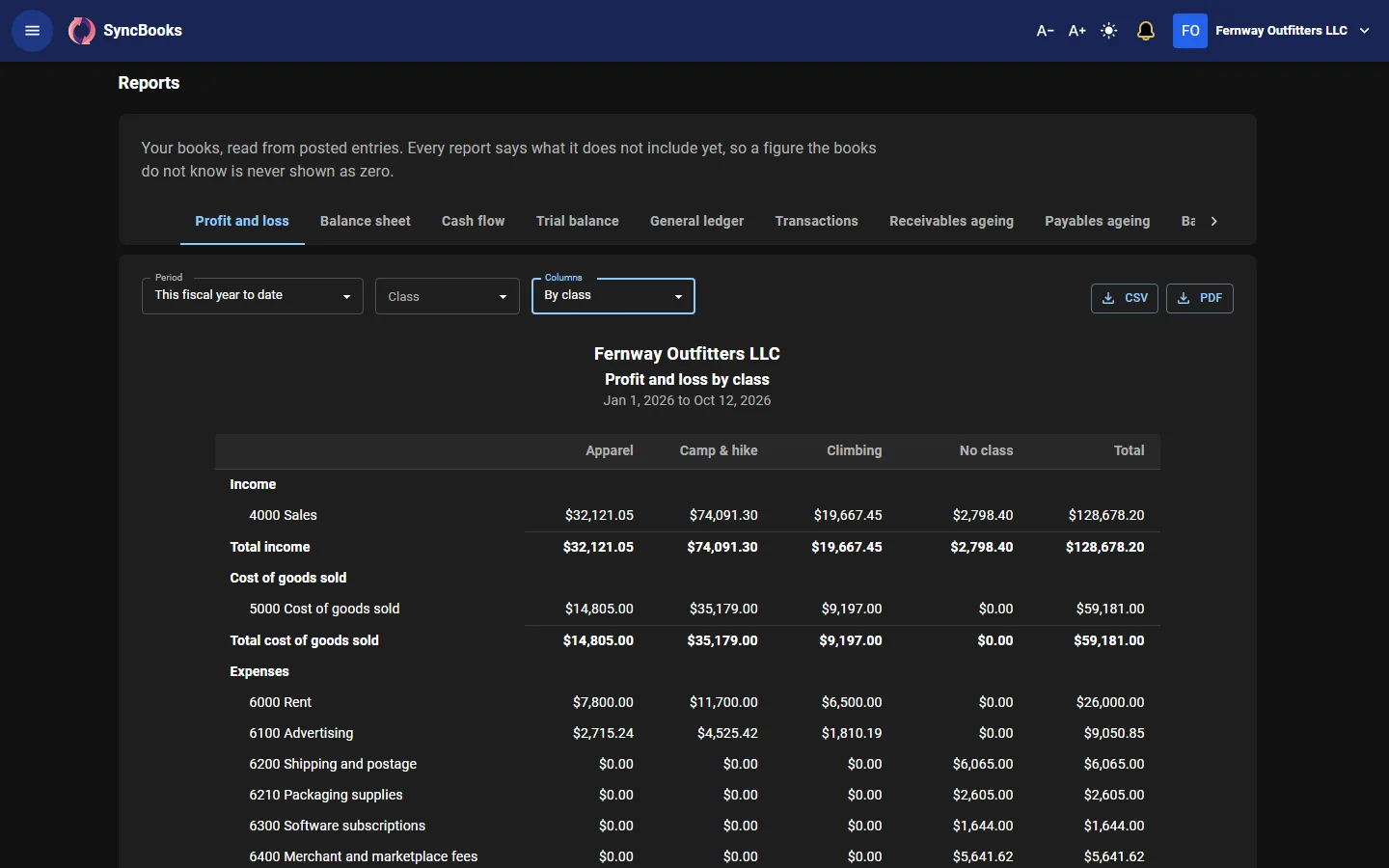
Tag income and expenses by department, product line, store or region. Documents take their customer's, supplier's, product's or warehouse's class or location by default. Filter the profit and loss, or split it into a column for each.
Projects track work for a customer, on time and materials or a fixed fee, with billable time, billable costs, one-click invoicing and project profitability.
Budgets and forecasts
- Budgets per account and month, for the company or one class or location, started from last year's figures plus a percentage. Compare budget against actual by month, quarter or year.
- Cash flow forecast for the next 30, 60 or 90 days, from today's bank balances, open invoices and bills, and recurring invoices and bills.
Fixed assets and deferred revenue
- A fixed asset register with categories, cost, salvage and useful life
- Straight-line depreciation posted every month, never into a closed period
- Disposals and sales, with the gain or loss posted
- Deferred revenue: give an invoice line a service period and its revenue is earned month by month
Expense claims
Employees claim receipts and trips. Someone else approves. The approved claim becomes a bill owed to the employee, paid like any supplier.
Reports
- Profit and loss and balance sheet, accrual or cash basis
- Statement of cash flows
- Trial balance and general ledger
- Transaction list
- Customer and vendor balance detail, and customer statements
- A/R and A/P ageing
- 1099 report
- Inventory valuation
- Intercompany and group reports
- Custom reports: choose accounts, columns and filters, and share them with your workspace
Every report downloads as CSV or PDF. Each one says whether anything is still waiting to post, so partial numbers are never shown as final.